




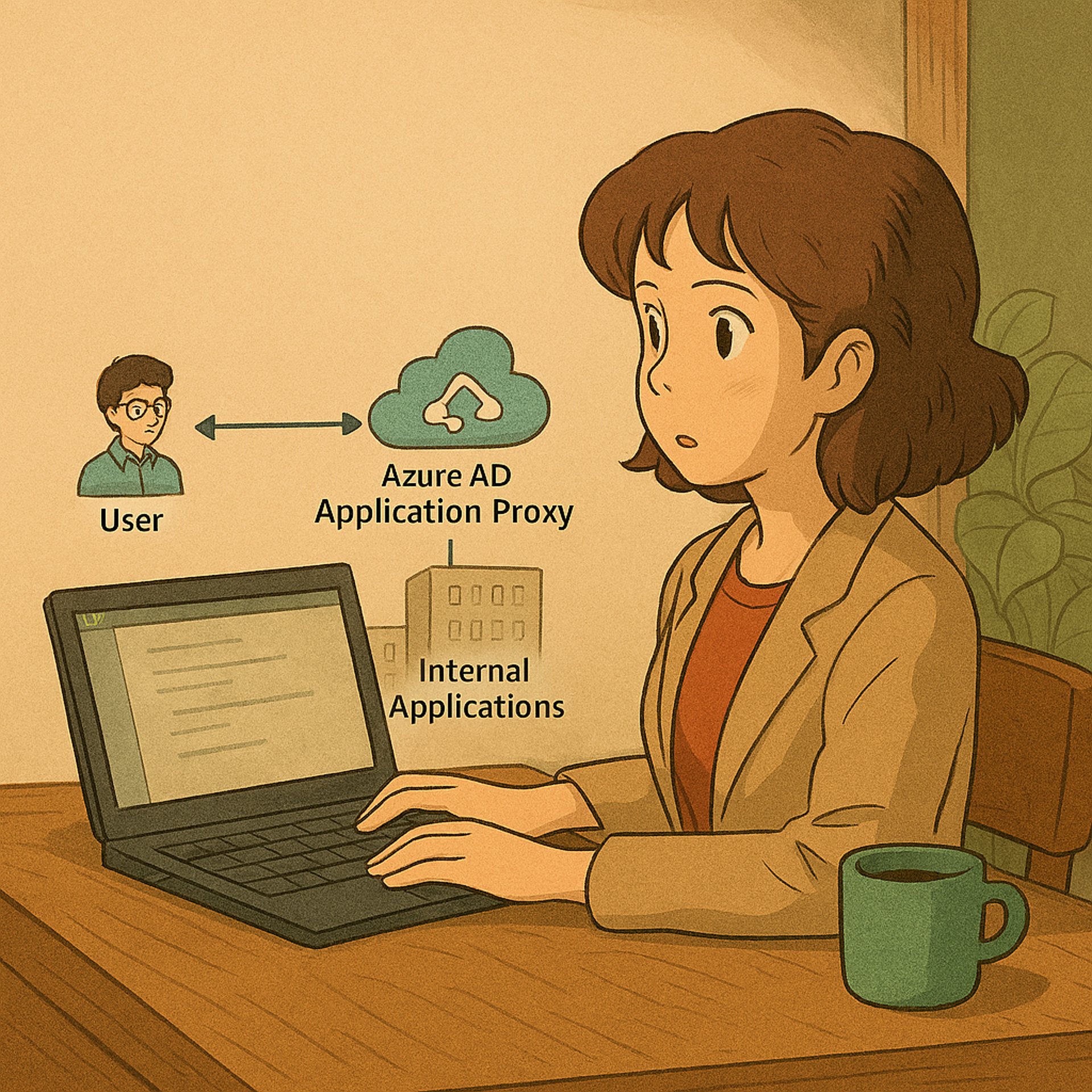
Say Goodbye to VPN: Seamless App Access for AVD Users
Seamless App Access for AVD Users with Microsoft Entra ID Application Proxy
AZURE
Nyan
8/3/20251 min read

Still using VPNs to let Azure Virtual Desktop (AVD) users access internal apps? It works—but it’s slow and often overkill.
There’s a clear solution: Microsoft Entra ID Application Proxy. It lets you publish internal web apps securely to the internet, so users can access them from their AVD session - NO VPN required.
It’s lightweight, quick to set up, and ties right into Azure AD for single sign-on, multi-factor authentication, and conditional access. That means better security and fewer support headaches.
I have seen cloud team struggle with VPN latency, licensing costs, and user complaints. App Proxy cuts through all that. Users just log in and launch the app - no tunnels, no extra software, no fuss.
If you’ve got a hybrid setup or just want to simplify remote access, give Entra ID Application Proxy a look. It’s one of those small changes that makes a big difference.
More details? Read Below xD
🌐 What Is Microsoft Entra ID Application Proxy?
Microsoft Entra ID Application Proxy is a reverse proxy service that enables secure remote access to on-premises applications. It consists of two key components:
Application Proxy Service: Runs in the Microsoft Entra cloud and handles external requests.
Private Network Connector: Installed on-premises to securely relay traffic to internal apps.
Together, they allow users to access internal apps via an external URL, while enforcing Microsoft Entra ID authentication, Conditional Access policies, and Single Sign-On (SSO).
Key Benefits
No inbound firewall rules: All traffic is outbound from the connector, eliminating the need for DMZs.
Pre-authentication with Entra ID: Only authenticated users can reach the app, reducing attack surface.
Conditional Access integration: Apply granular policies based on user risk, location, device compliance, and more.
SSO support: Users sign in once and gain access to multiple apps seamlessly.
Cloud-scale security: Benefit from Microsoft’s global threat intelligence and DDoS protection.
🧰 Use Cases 🧰
Publish legacy apps like SharePoint, Remote Desktop, or HR portals to remote users.
Enable secure access for contractors or partners without VPN.
Replace aging reverse proxy appliances with a cloud-native solution.