





100 Days of Cloud (Azure Edition)
Day 8 of Cloud (Azure Edition)
AZURE
Nyan
12/1/2025
Day 8: Attach Managed Disk to Azure Virtual Machine
Task:The Nautilus DevOps team is migrating services to Azure. They are breaking down tasks to ensure better control and optimization. You are tasked with attaching an existing data disk to a virtual machine (VM).
An existing VM named xfusion-vm and a managed disk named xfusion-disk already exist in the East US region.
Attach the disk xfusion-disk to the VM xfusion-vm as a data disk.
Ensure the disk is attached to the VM xfusion-vm.
Make sure that the virtual machine initialization has been completed before submitting this task.
Use below given Azure Credentials: (You can run the `showcreds` command on the `azure-client` host to retrieve these credentials)
Day 8 of 100 Days of Cloud (Azure Edition) : Solution
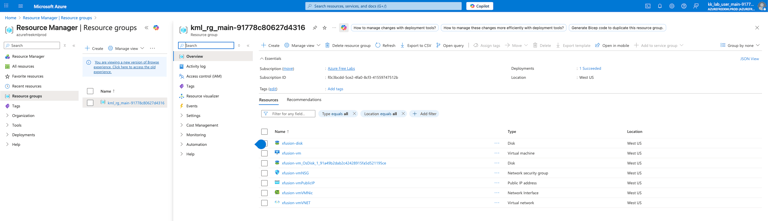
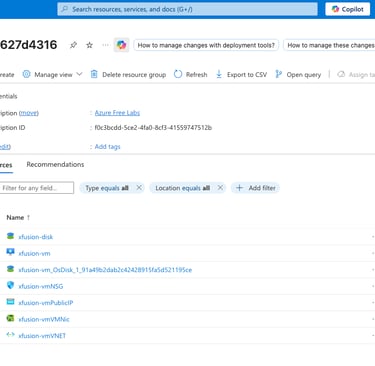
Type resource group in the search portal to lookup the existing resource group.
Day 8 of 100 Days of Cloud (Azure Edition) : Cheers
Choose the existing VM called xfusion-vm.
Select the settings and choose Disks.
Choose the Attach existing disks.
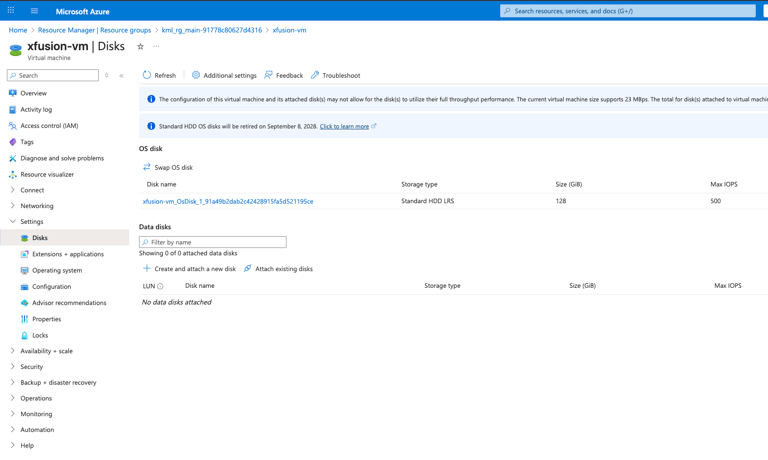


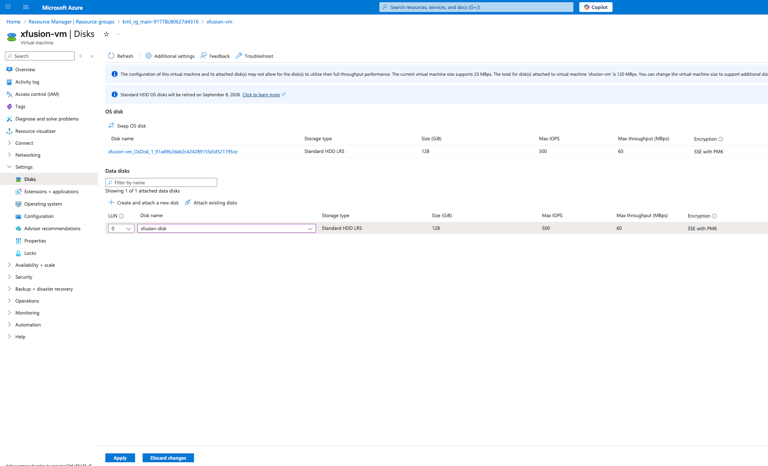
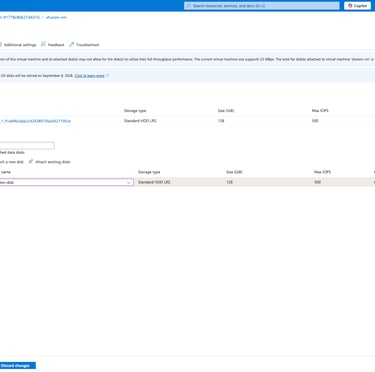
Choose LUN (Logical Unit) as 0.
Choose the existing data disk (xfusion-disk) as data disk and click apply.