100 Days of Cloud (Azure Edition)
Day 7 of Cloud (Azure Edition)
AZURE
Nyan
11/30/2025
Day 7: Create a Subnet in Azure Virtual Network
Task:The Nautilus DevOps team is strategizing the migration of a portion of their infrastructure to the Azure cloud. Recognizing the scale of this undertaking, they have opted to approach the migration in incremental steps rather than as a single massive transition. To achieve this, they have segmented large tasks into smaller, more manageable units. This granular approach enables the team to execute the migration in gradual phases, ensuring smoother implementation and minimizing disruption to ongoing operations. By breaking down the migration into smaller tasks, the Nautilus DevOps team can systematically progress through each stage, allowing for better control, risk mitigation, and optimization of resources throughout the migration process.
For this task, allocate a Public IP address, name it as datacenter-pip.
Use below given Azure Credentials: (You can run the `showcreds` command on the `azure-client` host to retrieve these credentials)
Day 7 of 100 Days of Cloud (Azure Edition) : Solution
Type public ip in the search portal and choose Public IP addresses.

Day 7 of 100 Days of Cloud (Azure Edition) : Cheers
Click Create button.
Choose the existing resource group.
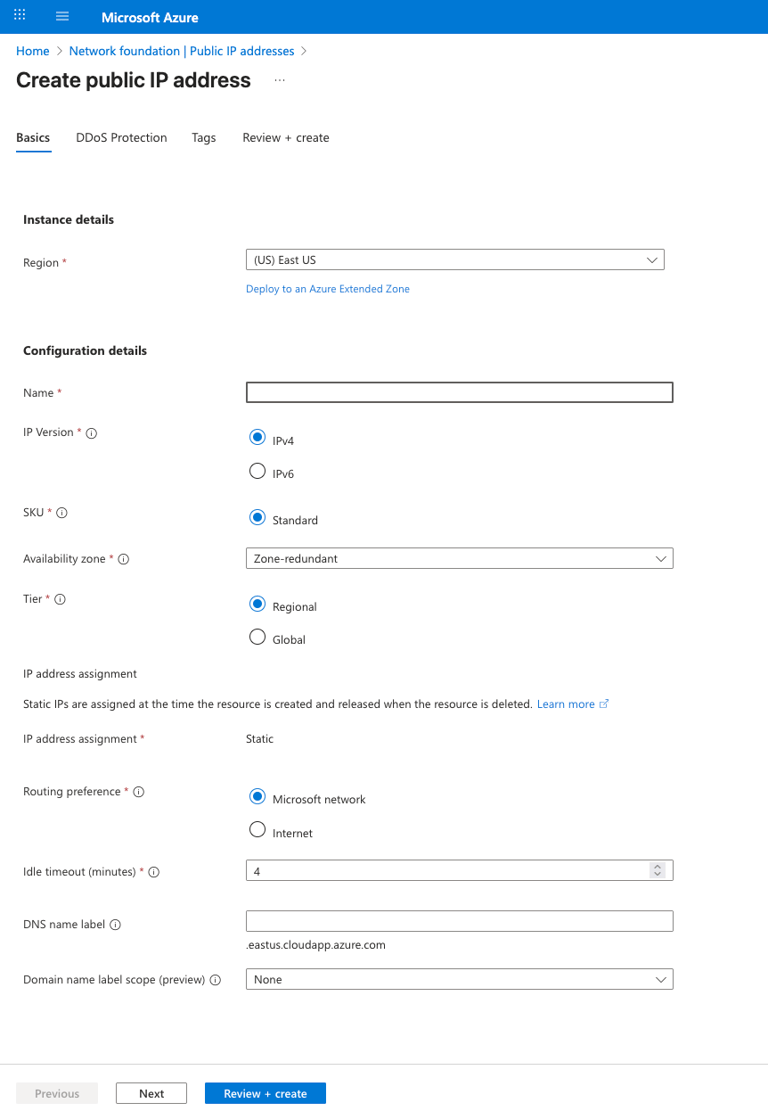
Choose Region as (US) East US.
Create a public IP and named as datacenter-pip.
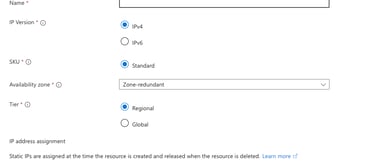
Leave the other setting as default and click Review + Create.