
100 Days of Cloud (Azure Edition)
Day 6 of Cloud (Azure Edition)
AZURE
Nyan
11/29/2025
Day 6: Create a Subnet in Azure Virtual Network
Task:The Nautilus DevOps team is strategising the migration of a portion of their infrastructure to the Azure cloud. Recognising the scale of this undertaking, they have opted to approach the migration in incremental steps rather than as a single massive transition.
For this task, create a Virtual Network (VNet) named xfusion-vnet and one subnet named xfusion-subnet within the VNet in the East US region. Make sure the IPv4 address range is 10.0.0.0/16.
Use below given Azure Credentials: (You can run the `showcreds` command on the `azure-client` host to retrieve these credentials)
Day 6 of 100 Days of Cloud (Azure Edition) : Solution
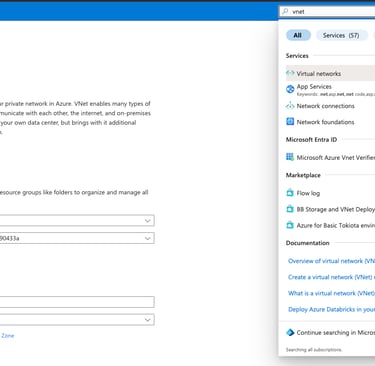
Type vnet in the search portal and choose Virtual networks.
Create a virtual network and named as xfusion-vnet.
Choose Region as (US) East US.

Day 6 of 100 Days of Cloud (Azure Edition) : Cheers


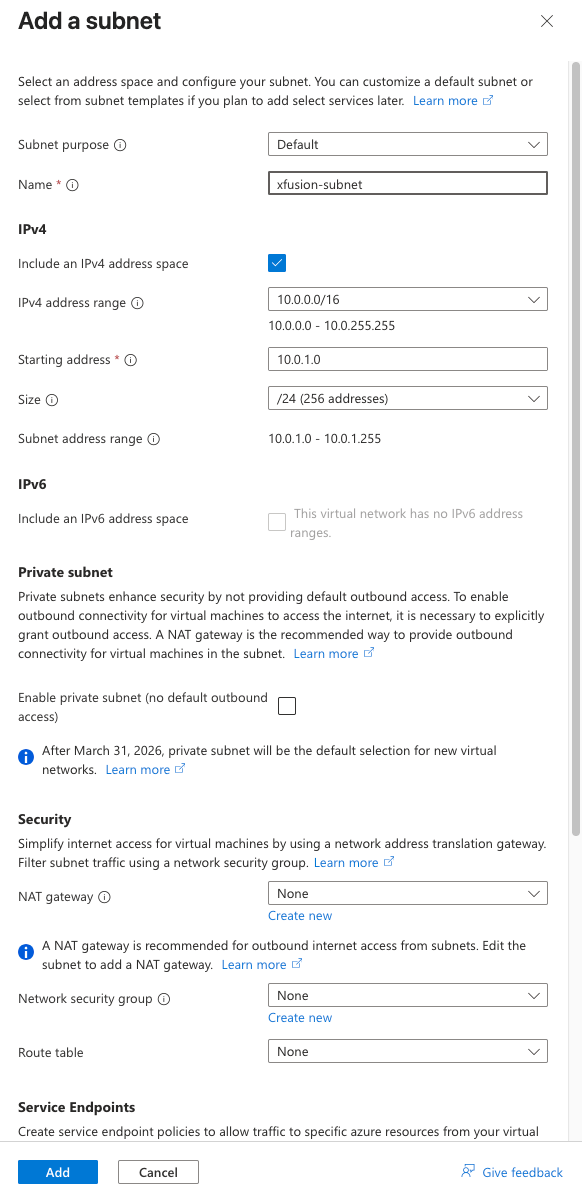
Click Add a subnet button.
Provide the subnet name as xfusion-subnet.
Add the subnet range as 10.0.0.0/16.
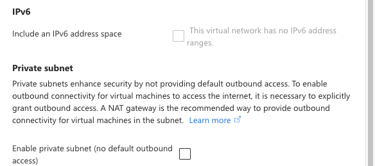
Leave the existing setting as default and Add a subnet.
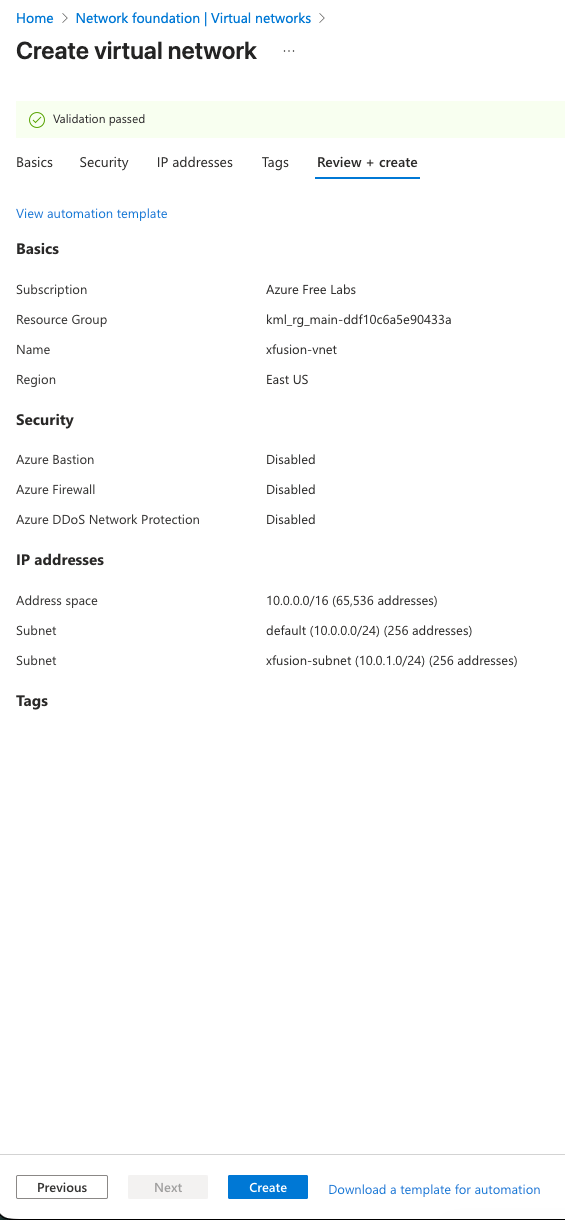
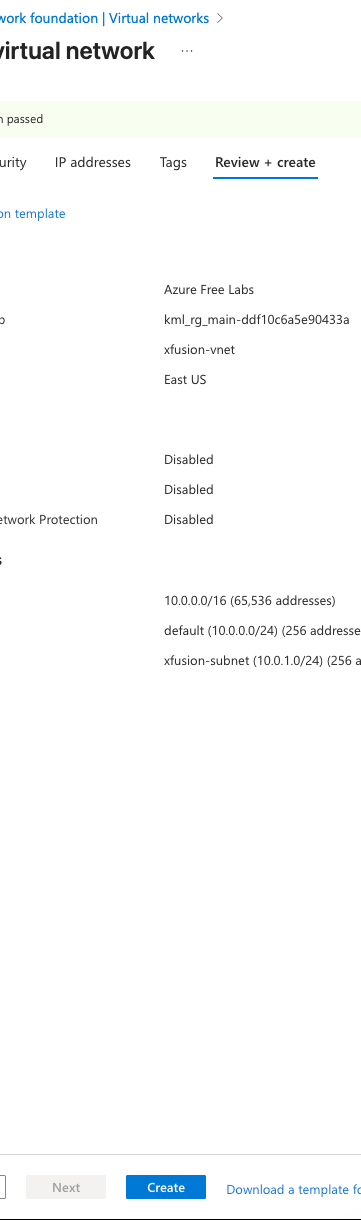
Review + Create.