100 Days of Cloud (Azure Edition)
Day 5 of Cloud (Azure Edition)
AZURE
Nyan
11/28/2025
Day 5: Create a Virtual Network (IPv4) in Azure
Task: The Nautilus DevOps team is strategically planning the migration of a portion of their infrastructure to the Azure cloud. Acknowledging the magnitude of this endeavor, they have chosen to tackle the migration incrementally rather than as a single, massive transition. Their approach involves creating Virtual Networks (VNets) as the initial step, as they will be provisioning various services under different VNets.
Create a Virtual Network (VNet) named datacenter-vnet in the East US region with 192.168.0.0/24 IPv4 CIDR.
Use below given Azure Credentials: (You can run the showcreds command on the azure-client host to retrieve these credentials).
Day 5 of 100 Days of Cloud (Azure Edition) : Solution
Type VNET in the search box.
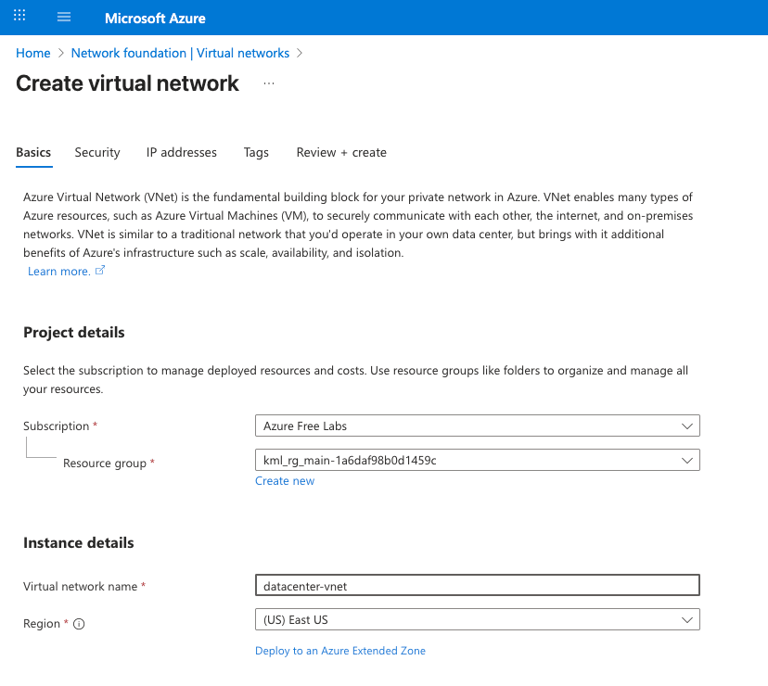
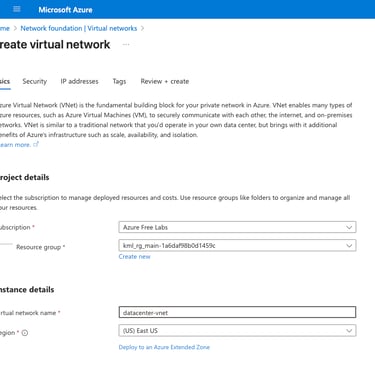
Choose the existing resource group in the portal.
Write down virtual network name as datacenter-vnet (PS. Check the provided name in your lab).
Choose Region as (US) East US.
Leave the Security setting as default.
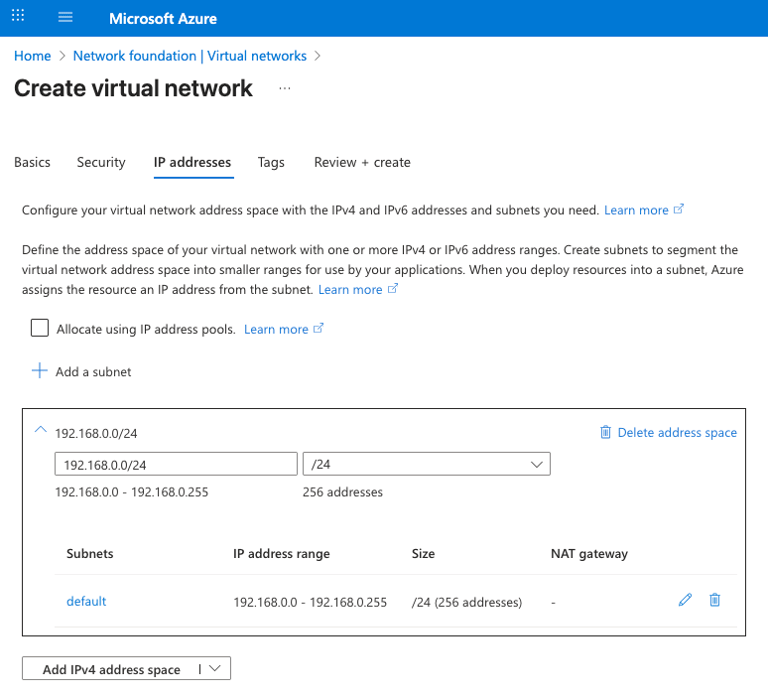
Choose the address space (CIDR) as 192.168.0.0/24.
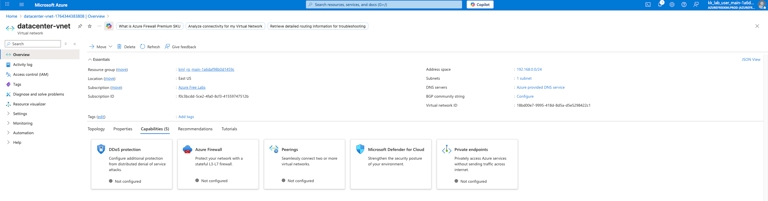
Review + Create for the virtual network.
Day 5 of 100 Days of Cloud (Azure Edition) : Cheers