100 Days of Cloud (Azure Edition)
Day 28 of Cloud (Azure Edition)
AZURE
Nyan
12/21/2025
Day 28: Troubleshooting Public Virtual Network Configurations
Task: The Nautilus DevOps Team deployed an Nginx server on an Azure VM in a public VNet named nautilus-vnet. However, the server is still inaccessible from the internet.
As a DevOps team member, complete the following tasks:
Verify VNet Configuration: Ensure nautilus-vnet allows internet access.
Attach Public IP: A public IP named nautilus-pip already exists. Attach this public IP to the VM nautilus-vm to make it accessible from the internet.
Ensure Accessibility: Confirm the VM nautilus-vm is accessible on port 80. Use the provided Azure credentials to troubleshoot and resolve the issue.
Use the below given Azure Credentials: (You can run the showcreds command on azure-client host to retrieve these credentials)
Day 28 of 100 Days of Cloud (Azure Edition) : Solution
Delete a Route which block the internet access in nautilus-rtb.
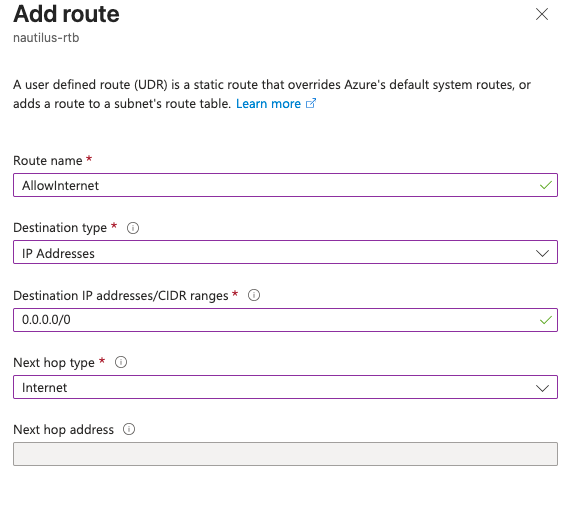
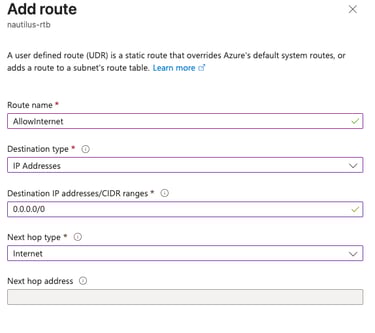
Recreate a route as follows: to allow the internet access for the VM.
Day 28 of 100 Days of Cloud (Azure Edition) : Cheers


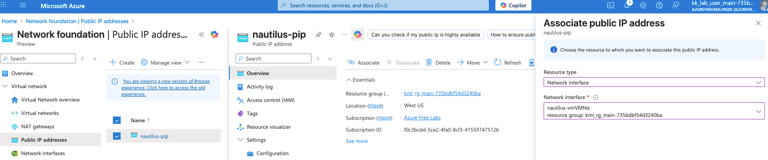
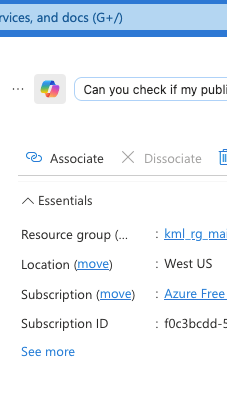
To associate the public IP with the existing VM's NIC to access the public.
Edit the existing NSG, add the inbound port rule, to access the Port 80 HTTP.

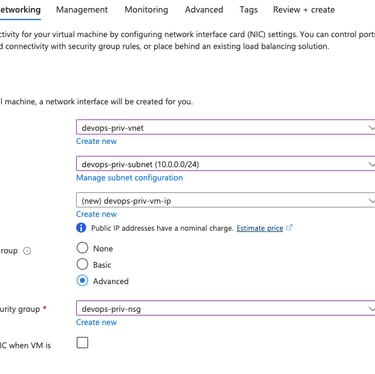

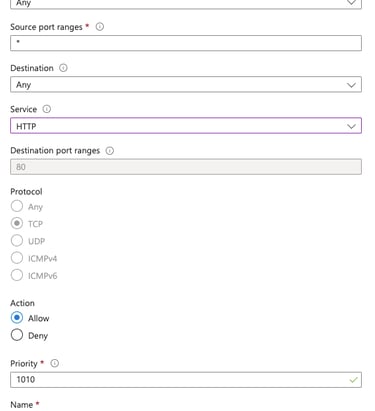
Try to access the nginx via curl.
Login into the azure vm via jumphost.
Install nginx service in the azure VM by using sudo apt install nginx.