





100 Days of Cloud (Azure Edition)
Day 26 of Cloud (Azure Edition)
AZURE
Nyan
12/19/2025
Day 26: Deploying Virtual Machines in a Public Virtual Network
Task: The Nautilus DevOps Team has received a request from the Networking Team to set up a new public VNet to support a set of public-facing services. This VNet will host various resources that need to be accessible over the internet. As part of this setup, you need to ensure the VNet has public subnets with automatic public IP assignment for resources. Additionally, a new VM will be launched within this VNet to host public applications that require SSH access. This setup will enable the Networking Team to deploy and manage public-facing applications.
Create a public VNet named datacenter-pub-vnet, and a subnet named datacenter-pub-subnet under the same, make sure public IP is being auto-assigned to resources under this subnet. Further, create a VM named datacenter-pub-vm under this VNet. Make sure SSH port 22 is open for this instance and accessible over the internet. Use the Azure portal to complete the task and ensure that SSH access is configured correctly.
Use the below given Azure Credentials: (You can run the showcreds command on azure-client host to retrieve these credentials)
Day 26 of 100 Days of Cloud (Azure Edition) : Solution
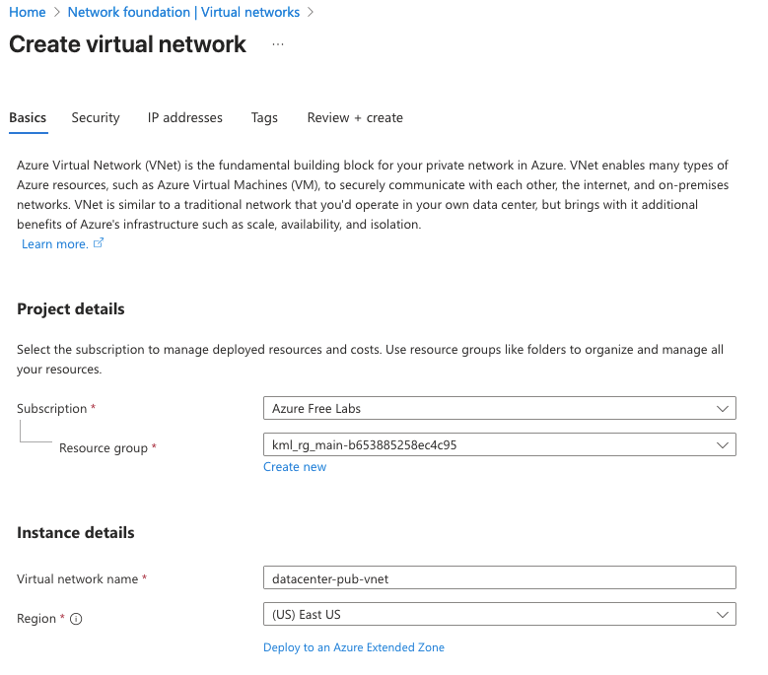
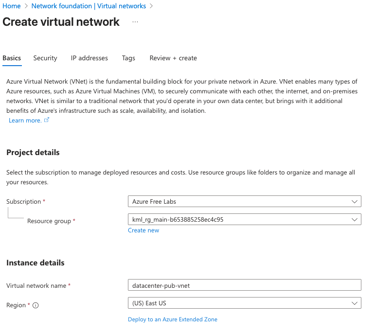
Create a Virtual Network called datacenter-pub-vnet.
Day 26 of 100 Days of Cloud (Azure Edition) : Cheers


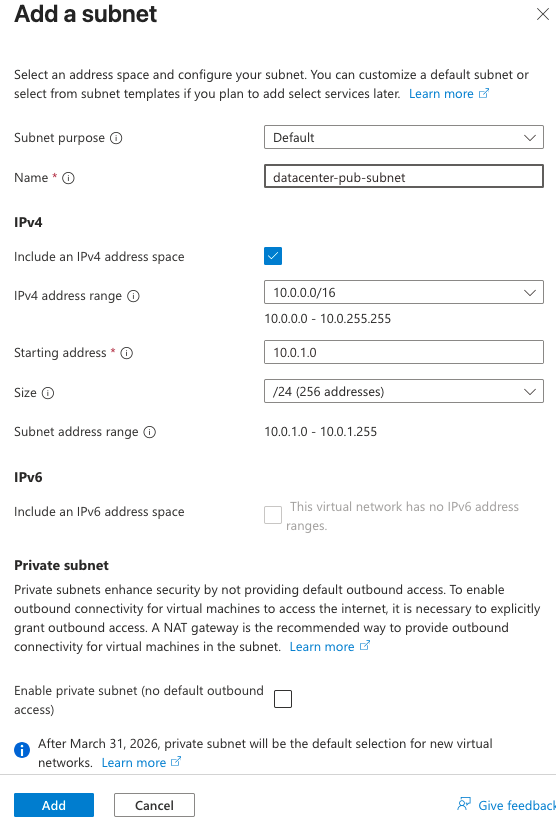
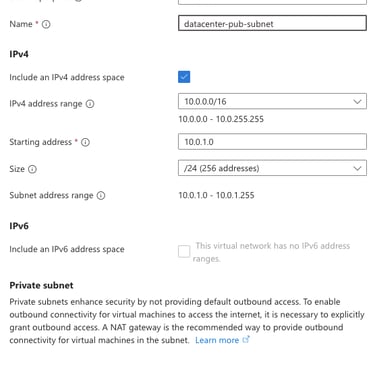
Add a subnet called datacenter-pub-subnet under VNET.

To create the VM named datacenter-pub-vm, choose Image as Ubuntu 24.04 LTS.
Select Inbound Ports 22.
OS Disk Type as Standard SSD.
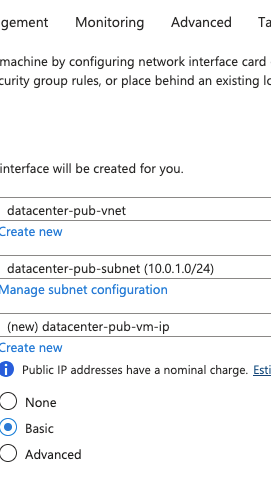
In Networking, choose the newly created Virtual Network as datacetner-pub-vnet.
Subnet as datacenter-pub-subnet.
Public IP as newly created public IP.
Leave the other settings as default and click Review + Create button.