100 Days of Cloud (Azure Edition)
Day 10 of Cloud (Azure Edition)
AZURE
Nyan
12/3/2025
Day 10: Attach Public IP to Azure Virtual Machine
Task: The Nautilus DevOps team has already set up a virtual machine and allocated a public IP address. The final task is to attach this public IP to the VM's network interface card (NIC).
An existing VM named xfusion-vm-pip and a public IP address named xfusion-pip already exist.
Attach the public IP xfusion-pip to the network interface of the VM xfusion-vm-pip.
Make sure the VM is properly assigned the public IP.
Use below given Azure Credentials: (You can run the `showcreds` command on the `azure-client` host to retrieve these credentials)
Day 10 of 100 Days of Cloud (Azure Edition) : Solution
Type public ip in the search portal and choose Public IP Addresses.
Choose the existing vm xfusion-vm-pip.
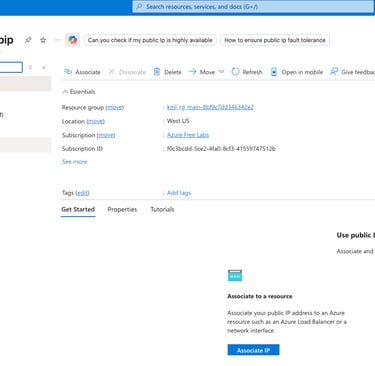
Click Associate button.
Choose Resource type as Network interface and in network interface setting choose the existing NIC called xfusion-vm-pipVMNic and click OK.

Day 10 of 100 Days of Cloud (Azure Edition) : Cheers


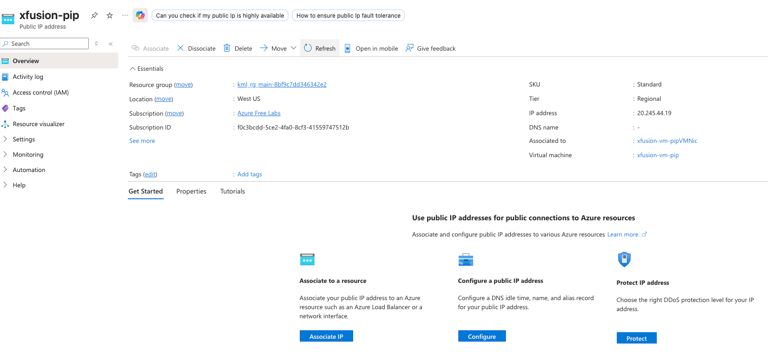
You can verify this task by checking the Associated to and virtual machine as shown as below.